
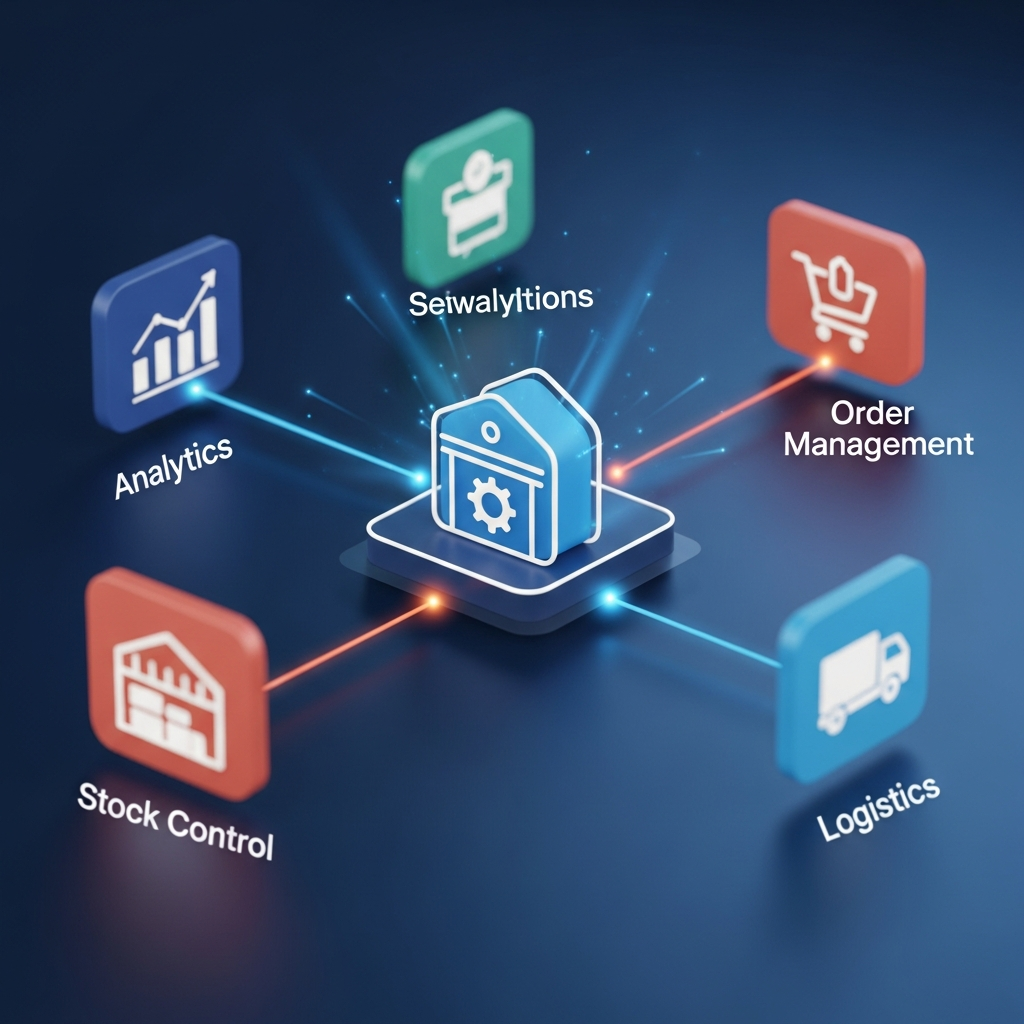
Inventory management software modules are the individual functional parts of an inventory system that help a business manage stock from purchase to sale. Instead of relying on spreadsheets, paper records, or scattered warehouse notes, companies use these modules to track products, monitor stock levels, manage suppliers, process orders, and understand inventory performance in one connected system.
At its core, inventory management is about knowing what you have, where it is, how much it costs, and when you need more. That sounds simple enough, but as a business grows, inventory becomes surprisingly tricky. A retailer may sell through a physical store, website, and online marketplace at the same time. A manufacturer may need to track raw materials, work-in-progress items, and finished goods. A distributor may manage thousands of SKUs across multiple warehouses. Without the right tools, things can go sideways fast.
The beauty of modular software is flexibility. A small business may begin with basic stock control, barcode scanning, and purchase order management. Later, it can add demand forecasting, warehouse automation, batch tracking, serial number control, or advanced reporting. In plain English, modules let businesses start with what they need today and expand as operations become more complex.
These systems also improve accuracy. Manual inventory tracking often leads to wrong counts, missed reorders, overstocking, stockouts, and unhappy customers. A good inventory platform updates records as products are received, moved, sold, returned, or adjusted. That gives teams a clearer view of reality instead of forcing them to work from outdated numbers.
Another major benefit is accountability. When inventory movements are recorded inside the system, managers can see who received goods, who adjusted stock, which orders were fulfilled, and where discrepancies occurred. This level of visibility helps reduce waste, shrinkage, and confusion.
For businesses that want to follow global identification standards, resources from organizations likeGS1 can also be helpful when building barcode and product identification processes.
In short, modern inventory software is not just a digital stock list. It is a structured operating system for products, purchasing, warehouses, sales, and financial control.
Core stock control and product tracking
The stock control module is usually the heart of an inventory management system. It tells the business what products are available, how many units are on hand, where those units are located, and whether stock is ready to sell, reserved, damaged, returned, or in transit. Without this foundation, the rest of the system cannot function properly.
One of the most important parts of stock control is SKU management. A SKU, or stock keeping unit, is a unique code used to identify a product. For example, a shoe brand may sell the same sneaker in five sizes and three colors. Each variation needs its own SKU so the business can track exactly what is selling and what is sitting on the shelf. Good software makes it easy to create, edit, group, and search SKUs.
Real-time inventory updates are another essential feature. When a product is sold, the system reduces the available quantity. New stock is received, the system increases it. When items are transferred from one warehouse to another, the records update accordingly. This helps prevent the classic headache of selling products that are no longer available.
Barcode and QR code support can make stock tracking much faster. Instead of typing product details manually, warehouse staff can scan items during receiving, picking, packing, stock counts, and transfers. This reduces human error and speeds up everyday work. It also helps new employees become productive more quickly because they do not have to memorize every product code.
A strong stock control module may also support categories, variants, units of measure, reorder levels, expiry dates, batch numbers, and serial numbers. These details matter in different industries. A grocery business may care deeply about expiry dates. An electronics seller may need serial number tracking. A manufacturer may need different units of measure for raw materials and finished goods.
Cycle counting is another useful feature. Instead of shutting everything down for one massive annual stocktake, companies can count smaller groups of items regularly. This keeps records more accurate throughout the year and helps teams catch problems early.
When stock control is done well, teams stop guessing. Sales staff can promise customers accurate availability. Purchasing teams know when to reorder. Warehouse workers can find items quickly. Finance teams get cleaner cost data. That’s a win across the board.
Purchasing, supplier, and replenishment tools
Purchasing modules help businesses buy the right products at the right time, in the right quantity, from the right suppliers. That may sound straightforward, but poor purchasing decisions can tie up cash, create storage problems, or cause painful stockouts. A well-designed purchasing module gives structure to the entire replenishment process.
Purchase order management is usually the main feature. A purchase order records what the business plans to buy, who it is buying from, expected prices, quantities, delivery dates, and payment terms. Once the supplier delivers the goods, the receiving team can compare what arrived against the purchase order. This helps catch shortages, over-deliveries, wrong items, and pricing errors.
Supplier management is another valuable part of the system. Businesses can store supplier contact details, lead times, minimum order quantities, price lists, payment terms, and past performance. Over time, this information helps companies make smarter vendor decisions. For instance, one supplier may offer lower prices but deliver late. Another may cost more but provide reliable service. The numbers make those trade-offs easier to see.
Reorder points are especially helpful for avoiding stockouts. A reorder point tells the system when stock has dropped low enough to trigger a new purchase. For example, if a product usually sells 20 units per week and the supplier takes two weeks to deliver, the business needs to reorder before stock reaches zero. The software can calculate or support these thresholds so teams do not have to rely on memory.
Some platforms also include demand forecasting. This feature uses historical sales, seasonal patterns, lead times, and current trends to estimate future demand. While no forecast is perfect, even a reasonable estimate can help businesses avoid buying too much or too little. It’s not a crystal ball, of course, but it is far better than a wild guess. 7 Powerful Reasons Shared Inbox Software Is a Brilliant Choice
Purchasing modules also support approval workflows. A company may require manager approval before large orders are sent to suppliers. This keeps spending under control and prevents unnecessary purchases. For growing companies, this is a big deal because informal buying habits can quickly become expensive.
When purchasing and replenishment tools work properly, inventory management software becomes more balanced. The business holds enough stock to serve customers without drowning in excess goods. Cash flow improves, warehouse space is used more wisely, and supplier relationships become easier to manage.
Warehouse and order fulfillment features
Warehouse modules focus on the physical movement of goods. They help teams receive items, put them away, pick customer orders, pack shipments, transfer stock, manage bins, and keep locations organized. For businesses with high order volume or multiple storage areas, this module can make the difference between smooth operations and daily chaos.
Receiving is the first major warehouse activity. When goods arrive, staff can scan items, check quantities, inspect quality, and record them in the system. The software then updates stock levels and may suggest where items should be stored. This avoids the all-too-common problem of products arriving but not being properly recorded.
Bin and location management is another key feature. A warehouse may have aisles, racks, shelves, zones, rooms, or storage bins. The system can show exactly where each product is located. This is especially useful when products look similar or when warehouses become crowded. Instead of walking around and hoping for the best, workers can go directly to the right location.
Order picking is one of the most important fulfillment processes. When a customer places an order, the system can create a pick list showing which items to collect and where to find them. More advanced systems may support batch picking, wave picking, or zone picking. These methods help teams process multiple orders more efficiently.
Returns management may also be included. Returned products need to be inspected, restocked, repaired, written off, or sent back to suppliers. A proper workflow keeps returns from becoming a messy pile in the corner.
Good warehouse and fulfillment modules save time, reduce errors, and improve customer satisfaction. When orders go out accurately and quickly, customers notice. And when warehouse staff have clear instructions, the workday becomes far less stressful.

Reporting, analytics, and business intelligence
Inventory reports turn daily stock activity into useful business insight. Without reporting, companies may know what they sold today, but they may not understand which products are truly profitable, which items are moving slowly, or where cash is trapped in excess stock. Analytics help turn inventory from a cost center into a strategic advantage.
One of the most common reports is the stock-on-hand report. It shows current quantities by product and location. This is useful for sales teams, warehouse managers, purchasing staff, and finance departments. However, stock-on-hand is only the beginning.
Inventory valuation reports show the financial value of stock. This matters for accounting, tax preparation, insurance, and cash flow planning. A reliable system helps keep these numbers consistent.
Sales performance reports show which products sell quickly, slowly, seasonally, or not at all. This can guide buying decisions, promotions, pricing, and product discontinuation. For example, a product that looks popular may actually produce low profit because of high storage or handling costs. Another product may sell less often but deliver better margins.
Slow-moving and dead stock reports are especially useful. Dead stock ties up money and takes valuable space. When businesses identify these items early, they can discount them, bundle them, return them to suppliers, or stop reordering them. Better late than never, but early detection is always better.
Forecasting reports help predict future needs. These reports may combine past sales, supplier lead times, seasonal demand, and safety stock levels. This allows purchasing teams to plan ahead instead of reacting at the last minute.
Operational reports can also reveal warehouse performance. Managers may track order accuracy, picking speed, fulfillment time, receiving delays, stock adjustments, and transfer activity. These insights help improve processes and identify training needs.
Dashboards make analytics easier to understand. Instead of digging through long spreadsheets, users can see key numbers at a glance. A dashboard might show low-stock alerts, top-selling products, pending purchase orders, delayed shipments, and inventory value.
The real power of reporting is better decision-making. Business owners can stop relying on gut feeling alone. They can see what is working, what is wasting money, and where improvements will have the biggest impact.
Integration, automation, and scalability inventory management software modules
Modern businesses rarely use one system for everything. They may have accounting software, ecommerce platforms, point-of-sale systems, shipping tools, supplier portals, CRM platforms, and enterprise resource planning systems. Integration modules connect inventory data with these other tools so teams do not have to enter the same information again and again.
Accounting integration is one of the most important connections. Inventory affects cost of goods sold, profit margins, asset values, purchase bills, and sales revenue. When inventory software connects with accounting tools, financial records become cleaner and faster to maintain. This reduces manual work and lowers the chance of costly errors.
Ecommerce and marketplace integrations are equally important for online sellers. When a customer buys a product online, stock should update automatically.
Point-of-sale integration helps retailers sync in-store and online stock. A product sold at the counter should immediately reduce available inventory in the system. Likewise, new stock received in the warehouse should become visible to stores or online channels when appropriate.
Automation makes these integrations even more valuable. For example, the system can automatically create purchase orders when stock drops below a set level, send low-stock alerts to managers, assign warehouse tasks, update order statuses, or notify customers about shipments. Automation does not remove the need for human judgment, but it does remove repetitive busywork.
Scalability is another major consideration. A business may start with one warehouse and a few hundred SKUs. Later, it may handle thousands of products, international suppliers, multiple sales channels, and complex fulfillment rules. The software should be able to grow without forcing the company to rebuild its entire process from scratch.
Cloud-based systems are popular because they allow teams to access inventory data from different locations. This is useful for remote managers, traveling sales staff, multi-branch retailers, and companies with distributed warehouses. User permissions can control who sees and changes specific information.The best inventory management software modules work together as one ecosystem. Stock data supports purchasing. Purchasing supports warehouse planning. Warehouse activity supports sales. Sales data supports forecasting. Forecasting supports smarter cash flow. When everything connects, the business runs with fewer blind spots.
Conclusion inventory management software modules
Inventory management is no longer just about counting products on a shelf. It is about controlling cash flow, serving customers, planning purchases, managing suppliers, improving warehouse performance, and making confident business decisions. The right software modules bring all of these moving parts into one organized system.
For a small business, the journey may begin with basic stock tracking and reorder alerts. For a growing company, it may expand into barcode scanning, warehouse workflows, demand forecasting, supplier performance, ecommerce integration, and advanced analytics. The key is to choose a system that matches today’s needs while leaving room for tomorrow’s growth.
A strong modular setup helps teams avoid missed sales, reduce waste, prevent overbuying, and improve accuracy. It also gives managers the visibility they need to act early instead of reacting after problems become expensive.In the end, inventory management software modules are not just technical features. They are practical business tools that help companies stay organized, protect profit, and deliver better customer experiences. For any business that buys, stores, moves, or sells products, investing in the right inventory system can be a powerful step toward smarter and more sustainable growth.

