
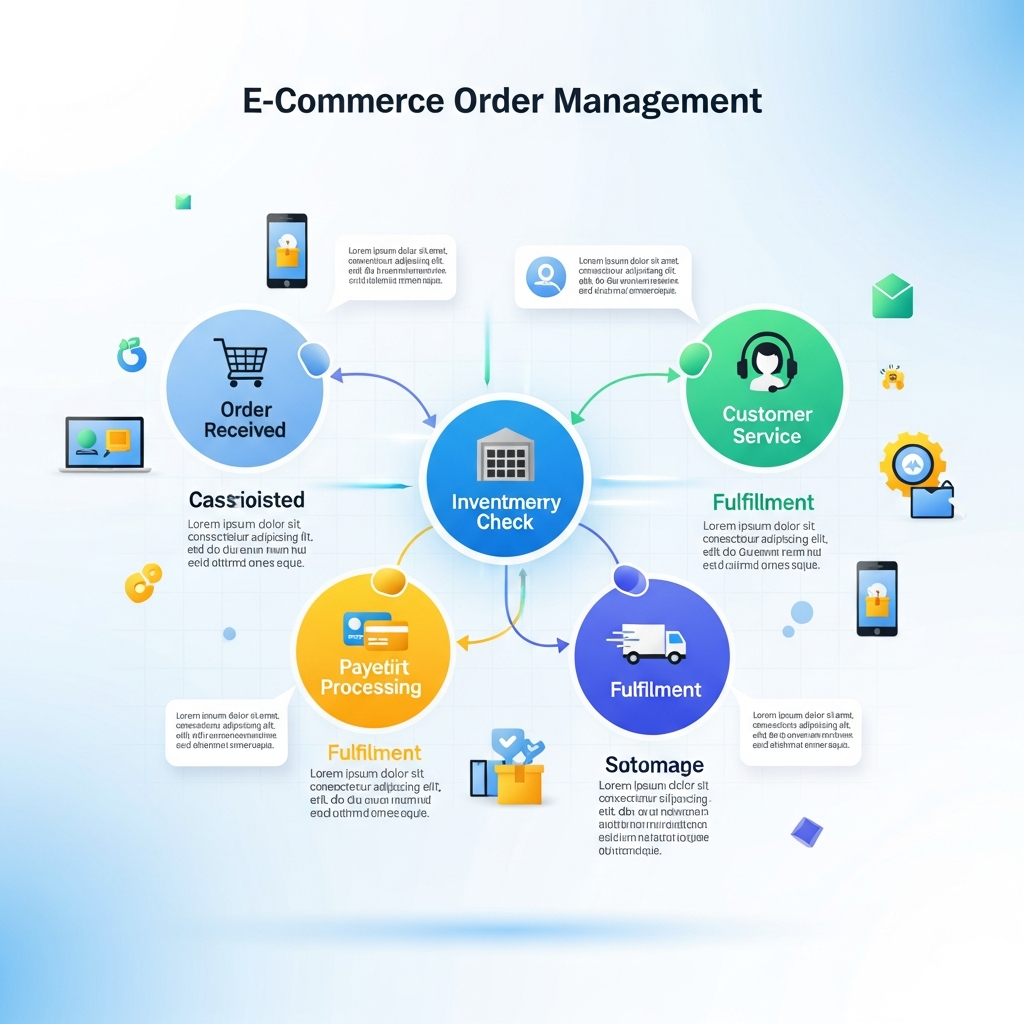
Running an online store sounds simple from the outside: a customer places an order, the seller ships it, and everyone moves on. Easy, right? Well, not quite. Behind every smooth delivery is a web of inventory checks, payment confirmations, warehouse updates, shipping labels, tracking numbers, returns, refunds, and customer messages. When order volume grows, that web can turn into a knot pretty fast. 7 Powerful Ways ecommerce order management software.
That’s where ecommerce order management software becomes a serious advantage. It helps online businesses manage the full order journey from purchase to delivery, while keeping inventory, fulfillment, shipping, and customer communication connected in one place. Order management software is commonly described as technology that automates and simplifies customer order management from placement through fulfillment and delivery. (Salesforce)
The need is not small. U.S. retail ecommerce sales for 2025 were estimated at $1,233.7 billion, up 5.4% from 2024, and ecommerce represented 16.4% of total retail sales. (Census.gov) As online shopping keeps growing, merchants can’t afford messy spreadsheets, overselling, delayed shipments, or confused support teams. Customers expect accurate stock levels, fast delivery, clear updates, and painless returns.
This article explains what order management software does, why it matters, which features to look for, and how ecommerce brands can use it to build a smoother, more profitable operation.
ecommerce order management software
ecommerce order management software is a digital system that helps online stores track, process, fulfill, and manage customer orders across sales channels. It connects important parts of the business, such as ecommerce platforms, marketplaces, inventory systems, warehouses, shipping carriers, payment tools, and customer service software.
In simple terms, it acts like the control center of an ecommerce operation. Instead of jumping between Shopify, Amazon, eBay, warehouse sheets, carrier portals, and support inboxes, teams can work from a centralized system. A strong order management system serves as a single source of truth for customer orders and inventory availability. (Fluent Commerce)
The order journey usually starts when a customer places an order through a website, marketplace, or app. From there, the system confirms order details, checks payment status, updates inventory, sends fulfillment instructions, generates shipping information, and may also handle returns or exchanges later. CAI Software describes ecommerce order management as covering steps such as order placement, processing, inventory updates, picking and packing, shipping, and tracking communication. (CAI Software)
For a small store with ten orders a week, manual processes may work for a while. But once a business sells on multiple platforms or handles hundreds of orders, manual work becomes risky. A delayed inventory update can lead to overselling. A copied tracking number can be pasted into the wrong customer email. A warehouse team may ship from the wrong location. One tiny mistake can snowball into refunds, bad reviews, and lost trust.
That’s why order management software is not just a back-office tool. It directly affects customer experience, cash flow, fulfillment speed, and brand reputation. When the system works well, customers feel like the brand is reliable. When it doesn’t, even a great product can get buried under complaints.
Core Features That Make Order Management Easier
A reliable order management system should do more than store order numbers. It should help the business move faster with fewer mistakes. One of the most important features is centralized order capture. This means orders from websites, marketplaces, social commerce shops, wholesale portals, and point-of-sale systems flow into one dashboard.
Inventory synchronization is another must-have. When a customer buys an item, stock levels should update across all connected channels. Without this, a business may sell the same item twice even though only one unit is available. Real-time or near-real-time inventory visibility is especially important for brands with multiple warehouses, retail locations, or third-party logistics partners.
Order routing is equally valuable. The software can decide where an order should be fulfilled based on stock availability, delivery address, warehouse capacity, shipping cost, or service level. For example, a customer in Lahore should not have to wait for stock to ship from a distant warehouse if the same product is available nearby. Smart routing can reduce delivery time and shipping expense.
Shipping integration helps teams create labels, compare carrier rates, share tracking numbers, and notify customers automatically. Instead of logging into several carrier websites, staff can manage shipments from one system. Returns management is another important feature, because modern ecommerce does not end at delivery. The system should help process exchanges, refunds, restocking, and customer updates.
Good software also includes automation rules. These rules can tag high-value orders, flag suspicious activity, split orders with multiple warehouse locations, send low-stock alerts, or prioritize express shipping. Integrations matter too. The system should connect with ecommerce platforms, accounting tools, customer support software, warehouse systems, ERP platforms, and marketing tools.
Finally, reporting and analytics help business owners make smarter decisions. A store can track fulfillment speed, return rates, stockouts, best-selling products, delayed orders, and warehouse performance. Without data, teams are flying blind. With data, they can fix bottlenecks before they become expensive problems.
Business Benefits for Growing Ecommerce Brands
The biggest benefit of order management software is control. Ecommerce gets messy when orders, inventory, shipping, and support live in separate places. A centralized system brings those moving pieces together, so teams can see what is happening without chasing updates all day.
Accuracy improves because the software reduces manual data entry. Fewer copied addresses, fewer missed orders, fewer wrong SKUs, and fewer accidental oversells mean fewer unhappy customers. In ecommerce, accuracy is not glamorous, but it’s gold. A correct order delivered on time often matters more than a flashy website.
Speed is another major advantage. When orders flow automatically from sales channel to warehouse to carrier, fulfillment becomes faster. Customers receive confirmations and tracking updates sooner. Warehouse teams know what to pick and pack. Support agents can answer questions without digging through multiple systems.
Customer experience also gets better. People want clear communication after they buy. They want to know whether the order was received, when it will ship, where it is, and what to do if something goes wrong. Order management software helps create that sense of confidence. A smooth post-purchase experience can turn a first-time buyer into a repeat customer.
There are financial benefits too. Better inventory visibility can reduce dead stock, stockouts, and emergency replenishment. Smarter shipping workflows can lower fulfillment costs. Faster returns processing can improve customer satisfaction while helping teams recover sellable inventory sooner.
Scalability may be the most important long-term benefit. A store that depends on spreadsheets may survive at low volume, but it will struggle during seasonal peaks, influencer campaigns, marketplace expansion, or international growth. The right system lets a business handle more orders without hiring a huge operations team. In other words, it helps growth feel less chaotic.
For brands planning to expand, this is a big deal. Selling through one website is one thing. Selling across marketplaces, retail partners, social platforms, and wholesale channels is another. Order management software gives teams the structure they need to grow without losing their grip on daily operations.
How to Choose the Right System
Choosing order management software should begin with your business model. A fashion brand with high return rates has different needs from a food business with expiry dates or a furniture store with bulky shipping. Before comparing tools, map your current order flow from checkout to delivery. Note where delays, errors, and customer complaints happen most often.
The first thing to check is integration compatibility. The software should connect with your ecommerce platform, marketplaces, warehouse tools, shipping carriers, accounting system, and customer support software. A beautiful dashboard is not enough if the system cannot talk to the tools you already use.
Next, review inventory capabilities. Does the software support multiple warehouses? Can it manage bundles, kits, variants, backorders, preorders, and safety stock? Can it update stock across all sales channels quickly? These details matter because inventory issues are one of the fastest ways to damage customer trust.
Automation should be flexible. Look for systems that let you create rules based on order value, destination, product type, delivery method, customer segment, or warehouse location. The best automation feels like hiring an extra operations assistant who never sleeps.
Reporting is another key factor. The system should show useful data, not just pretty charts. You need visibility into order cycle time, fulfillment delays, return reasons, stock movement, carrier performance, and channel profitability. These insights help leaders make practical decisions.
Ease of use matters as well. If the software is too complicated, your team will avoid it or use it incorrectly. Ask whether the vendor provides onboarding, training, documentation, and support. Also check whether the system can scale with your order volume. A tool that works today should not become a bottleneck next year.
Pricing should be evaluated carefully. Some platforms charge by order volume, users, integrations, warehouses, or advanced features. Don’t only look at the monthly fee. Consider the cost of mistakes, manual labor, delayed shipments, and lost customers. Sometimes a more expensive system saves more money in the long run.
A smart choice balances features, usability, support, scalability, and total cost. The goal is not to buy the most complex software. The goal is to choose the system that fits your operation and helps your team work better every day.

Implementation Best Practices
Buying software is only half the job. Implementing it properly is where the real results begin. Start by documenting your existing workflows. Write down how orders enter the business, how inventory is checked, how warehouse teams receive instructions, how shipping labels are created, and how returns are handled.
Next, clean your data before migration. Product names, SKUs, barcodes, warehouse locations, customer records, and stock counts should be accurate. Messy data inside a new system creates messy results. As the old saying goes, garbage in, garbage out.
Set up integrations carefully. Connect your ecommerce store, marketplaces, warehouses, carriers, payment systems, and customer support tools one by one. Test each connection before going live. Place sample orders, cancel them, return them, split them, and ship them. Testing unusual cases is just as important as testing normal ones.
Train the team based on roles. Warehouse workers need to know picking and packing workflows. Customer support agents need to find order status and return information. Managers need reports and exception alerts. Finance teams may need invoicing, reconciliation, or refund visibility.
Use automation gradually. It can be tempting to automate everything on day one, but that can create confusion. Start with simple rules such as order tagging, low-stock alerts, and tracking notifications. Then add more advanced routing or exception workflows once the team is comfortable.
Monitor performance after launch. Track fulfillment time, order errors, cancellation rates, overselling incidents, return processing time, and support tickets. These numbers will show whether the system is improving operations. They will also reveal where workflows need adjusting.
Finally, treat the software as a living system. Ecommerce changes. New products launch. New marketplaces open. Shipping rules shift. Customer expectations rise. Review your order management setup regularly so it continues to match the business.
Done well, implementation can transform operations. Done poorly, even great software can feel frustrating. The difference usually comes down to planning, clean data, testing, training, and continuous improvement. Accounts Receivable Management Software
Common Mistakes to Avoid
One common mistake is waiting too long. Many ecommerce brands only look for order management software after mistakes become painful. By then, the team may already be overwhelmed, customers may be frustrated, and inventory records may be unreliable. It’s better to upgrade before operations break.
Another mistake is choosing software only by price. Cheap software that lacks integrations, automation, or support can cost more through errors and wasted time. On the other hand, buying an enterprise system with features you don’t need can drain budget and slow down the team.
Some businesses also forget about returns. Returns are part of ecommerce life. If your system handles sales beautifully but makes exchanges and refunds difficult, customers will notice. A smooth return process can protect loyalty even when the original order did not work out.
Poor training is another issue. Teams need to understand not only which buttons to click, but also why the process matters. When people understand the workflow, they make better decisions during exceptions.
Lastly, avoid ignoring analytics. Reports are not just for managers. They reveal patterns that can improve the whole business. High return rates may point to sizing issues. Frequent shipping delays may reveal a weak carrier. Stockouts may show poor forecasting. Order data is a treasure chest, but only if someone opens it.
Conclusion ecommerce order management software
Ecommerce success is not just about attracting customers. It is about delivering what they ordered, when they expect it, with clear communication along the way. That requires more than a nice storefront. It requires strong operations behind the scenes.
The right order management system gives online brands the control they need to process orders accurately, manage inventory confidently, fulfill faster, and serve customers better. It can reduce costly mistakes, support multi-channel growth, and help teams focus on strategy instead of repetitive manual work.
For growing stores, ecommerce order management software is not just another tool in the tech stack. It is the operational backbone that keeps sales, stock, shipping, and service moving together. When chosen carefully and implemented properly, it helps turn everyday order chaos into a smooth, scalable, and customer-friendly process.

